
Videos
Watch tutorials, product updates, and expert insights from the LakeTech team on lake management, water quality monitoring, and aquatic ecosystem care.
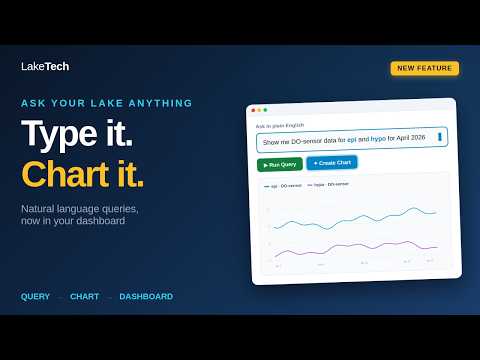
Watch: Natural Language Queries and One-Click Charts in LakeTech
See how the new natural language query tool turns a plain English question into a chart on your dashboard in two clicks. No SQL, no spreadsheets, no waiting on a report.
Watch now →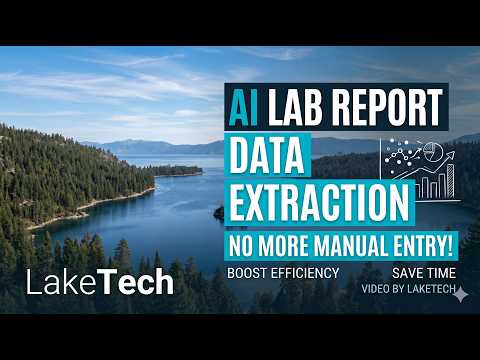
AI Lab Report Data Extraction: No More Manual Entry
LakeTech's new AI-powered feature lets you drag and drop lab report PDFs directly into the platform, automatically extracting water quality data and turning it into usable charts in seconds.
Watch now → 3:59
3:59Getting Started and Platform Overview
Legacy LakeTech lesson page for "Getting Started and Platform Overview" with an embedded tutorial video. Detailed steps are shown in the player; this draft does not add procedural steps beyond the source page scope.
Watch now →20:42Platform Overview Lessong for LakeTech
Platform overview for LakeTech Water management platform.
Watch now → 3:08
3:08Create a Chart
Legacy LakeTech lesson page for "Create a Chart" with an embedded tutorial video. Detailed steps are shown in the player; this draft does not add procedural steps beyond the source page scope.
Watch now →3:15Adding a Second Y-Axis to Your Chart in LakeTech | Tutorial Video
Improve your lake water quality data analysis with this tutorial video on how to add a second Y-axis to your chart on the LakeTech dashboard. Learn how to customize the appearance of the secondary Y-axis to fit the range of your parameter and compare two different parameters more effectively. Follow these simple steps to start visualizing your data in a new way and gain valuable insights into your lake's health. Watch the tutorial video now.
Watch now →LakeTech Lessons | New chart updates
Discover how to update chart titles, tooltips, and crosshairs with our LakeTech Platform tutorial. Enhance your charts for better data presentation and analysis.
Watch now →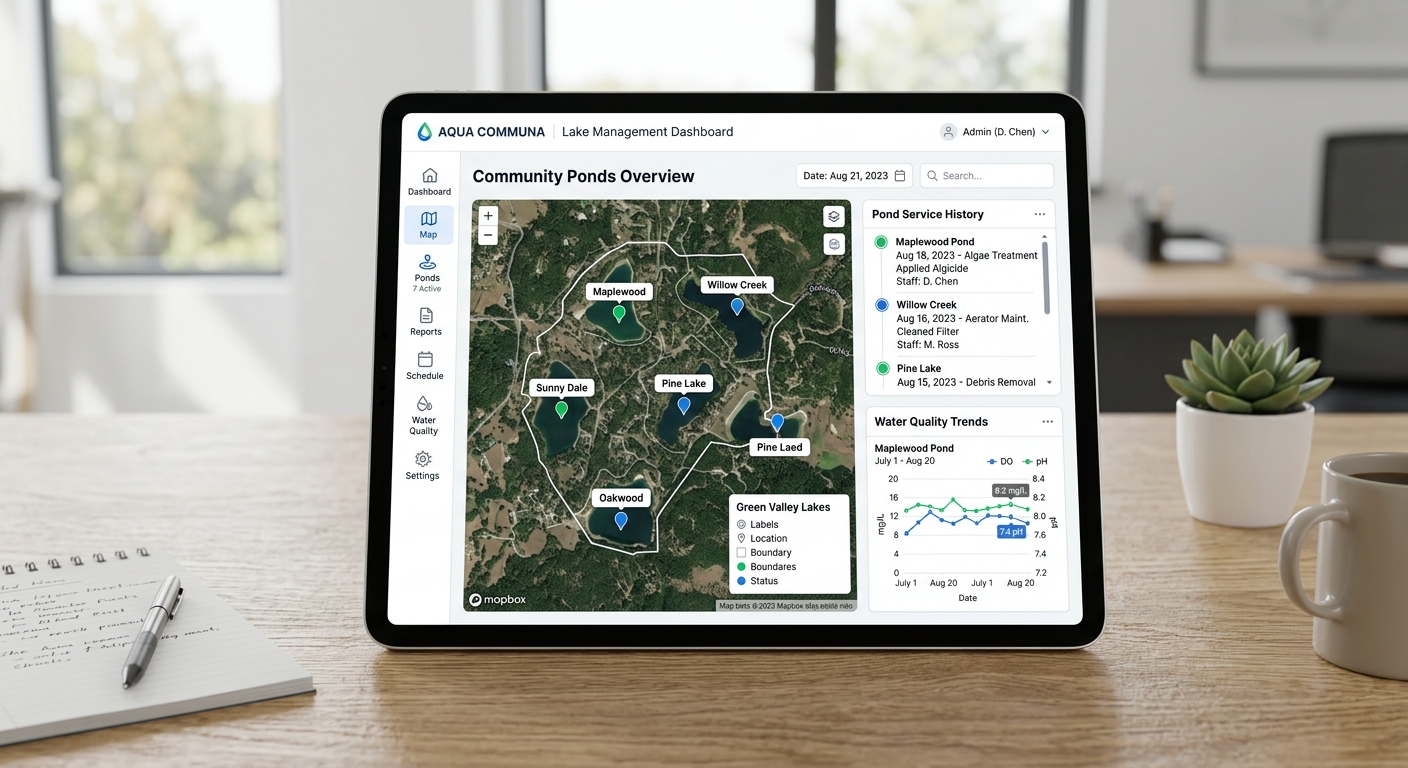 2:02
2:02Create a Reading Widget
Legacy LakeTech lesson page for "Create a Reading Widget" with an embedded tutorial video. Detailed steps are shown in the player; this draft does not add procedural steps beyond the source page scope.
Watch now →1:40LakeTech Dashboard Tutorial - Add Text Widget | Water Quality Analytics
Master adding a text widget to your LakeTech Water Quality Analytics Dashboard with our easy-to-follow tutorial. Enhance your dashboard's functionality and improve team communication today!
Watch now →0:44Delete a Widget
Legacy LakeTech lesson page for "Delete a Widget" with an embedded tutorial video. Detailed steps are shown in the player; this draft does not add procedural steps beyond the source page scope.
Watch now →3:54LakeTech Lessons | Creating an Image Carousel
Learn how to create an engaging Image Carousel Widget for your Platform Dashboard with our detailed tutorial. Make data interpretation more intuitive and engaging. Find more tips and tricks for using our platform effectively on our site.
Watch now →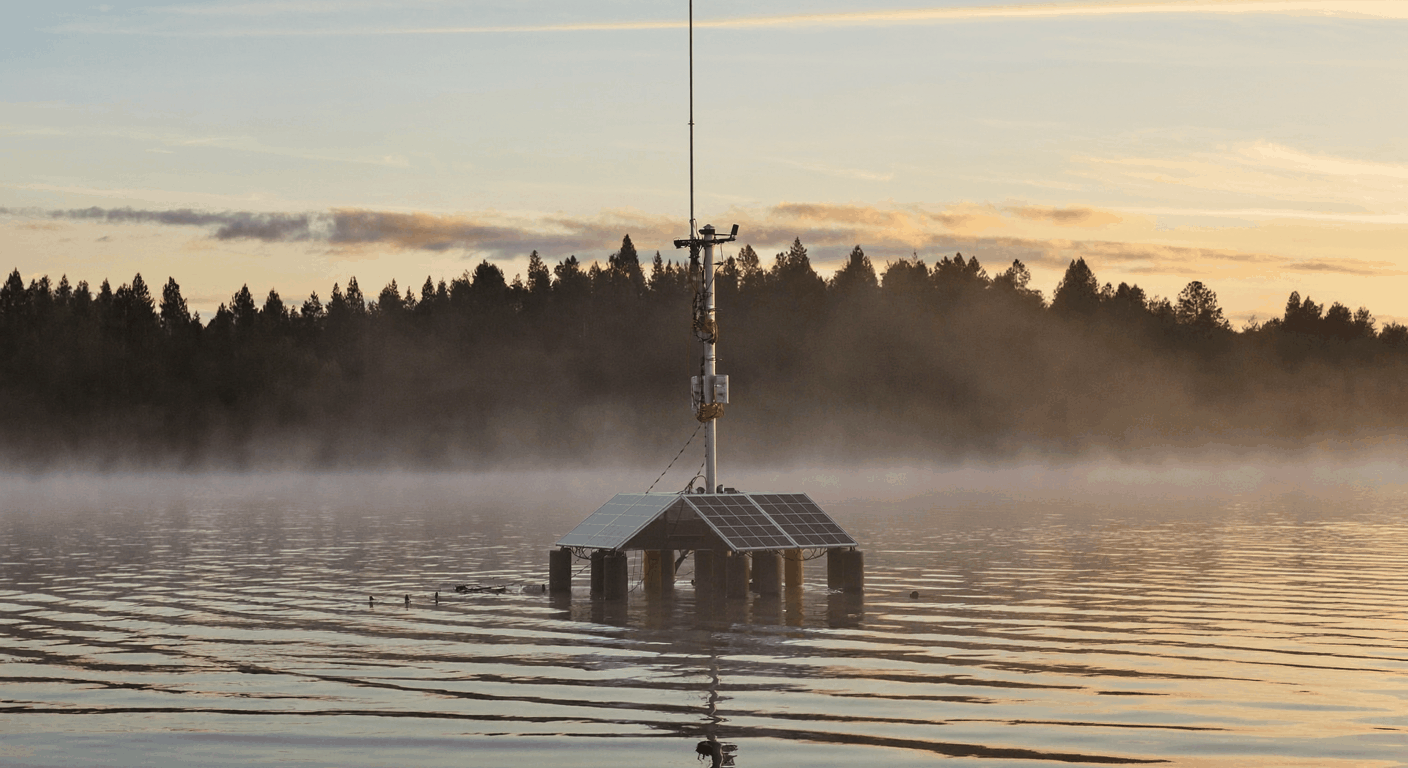
LakeTech Lessons | Create webcam url widget
Learn how to add and customize a live lake webcam feed on your LakeTech dashboard with our step-by-step tutorial video. Enhance your monitoring with real-time visuals.
Watch now →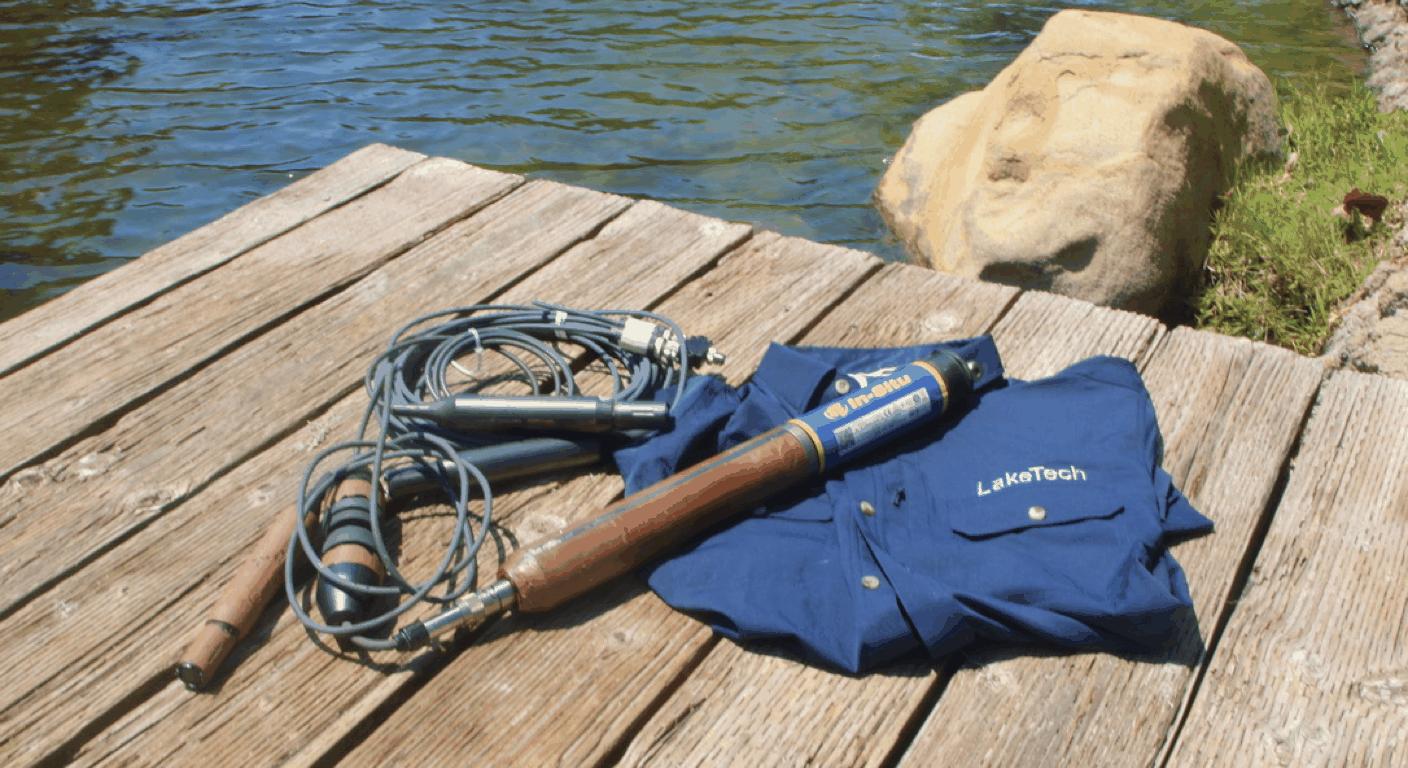 3:58
3:58Create a new parameter and add data for that parameter
Discover how to add a new parameter to LakeTech, the software for lake water quality management, with this easy-to-follow tutorial video. Learn how to enter basic information, set a custom alert range, and create a new parameter that will help you monitor and analyze specific aspects of your lake's water quality. Improve your lake management insights today with this simple and effective process. Watch the tutorial video now.
Watch now →2:51Edit and Delete Data from Database
Legacy LakeTech lesson page for "Edit and Delete Data from Database" with an embedded tutorial video. Detailed steps are shown in the player; this draft does not add procedural steps beyond the source page scope.
Watch now → 6:22
6:22How to Add Lab Data to LakeTech | Tutorial Video
Discover how to add lab data to LakeTech, the software for lake water quality management, with this simple and effective tutorial video. Learn how to enter the date, parameter, and test results, and upload a file containing the lab report for reference. Improve your lake management insights with this easy-to-follow process. Watch the tutorial video now.
Watch now →LakeTech Lessons | New Data Editor
Discover how to new Data Editor allows you to delete, updated, and edit data directly from your charts!
Watch now →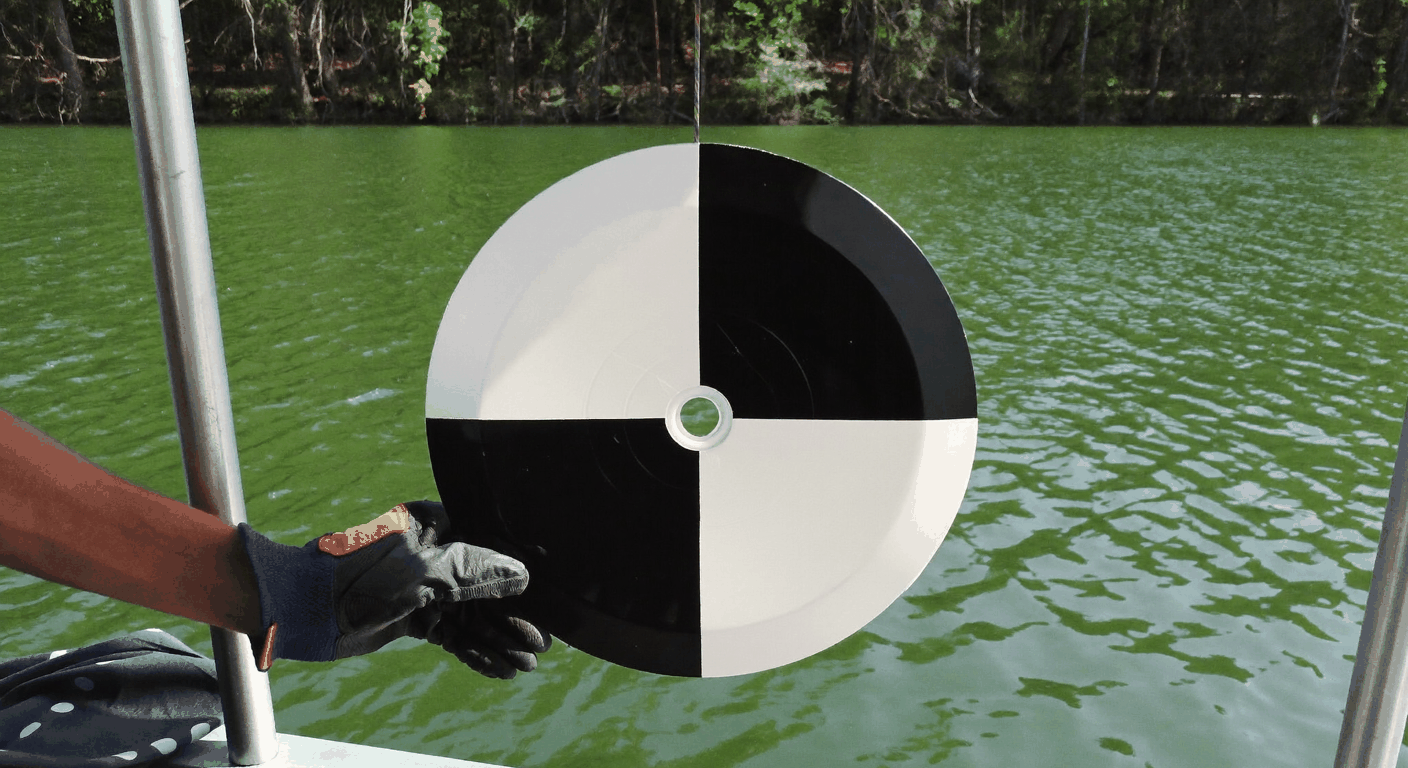 6:36
6:36How to Create a Field Log in LakeTech | Tutorial Video
Learn how to create a field log in LakeTech, the software for lake water quality management, with this easy-to-follow tutorial video. Enter the date, location, and parameter being tested, and add notes, photos, and other attachments for reference. Enhance your lake management insights with this simple process. Watch the tutorial video now.
Watch now →5:17LakeTech Lessons | Create custom form templates for field logs
Watch this video to create custom form templates for your field logs. You can utilize check boxes, multiple select options, single select options, and section breaks to create streamline field logs.
Watch now →3:45LakeTech Lessons | Create a Real-time alert
Discover how to set up real-time alerts with our Surface Water Monitoring Software. Watch our easy-to-follow tutorial and stay one step ahead with immediate notifications. Explore more about efficient water resource management on our site.
Watch now →3:48Public Portal, Set Up and Add Widgets
Legacy LakeTech lesson page for "Public Portal, Set Up and Add Widgets" with an embedded tutorial video. Detailed steps are shown in the player; this draft does not add procedural steps beyond the source page scope.
Watch now →LakeTech Lessons | Custom color ranges for isopleth
Master custom color ranges for your isopleth chart widgets on the LakeTech Platform with our easy-to-follow tutorial. Elevate your data visualization today.
Watch now →4:24Integrating Spypoint Cameras with LakeTech: A Step-by-Step Tutorial for Advanced Lake Monitoring
Learn how to integrate Spypoint cameras with LakeTech's water management software in our step-by-step tutorial video. Enhance your lake monitoring with daily photos and real-time data for effective water resource management
Watch now →