
What a lake management CRM needs to connect
Standard business CRM tools are built around contacts and deals. They track who you talked to, when, and what was discussed. That is useful, but it is only half the picture in lake management. The other half is the site itself: its size, its water quality baseline, what treatments have been applied, what the lab results showed last quarter, and what issues were noted during the most recent field visit.
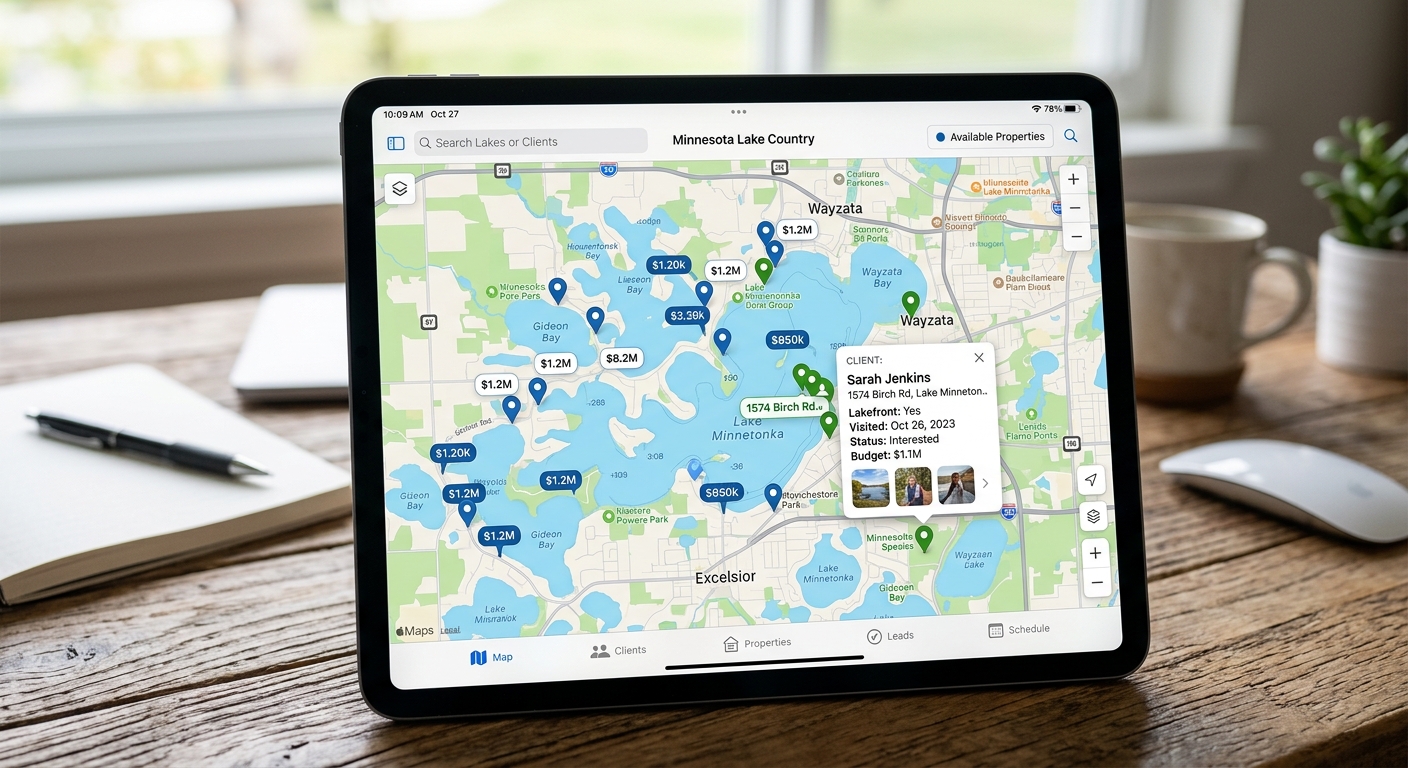
A CRM designed for lake management links both sides. The account record holds client contact information and billing details. The site record holds everything about the waterbody. When a field technician visits a pond, they log to the site. When the account manager needs to prepare a client report, they pull from both.
- Client accounts and site records are linked but kept separate.
- Field notes, lab results, and treatment history all attach to the site.
- Account managers and field staff can each see what they need without navigating the other's view.
Why generic CRM tools fall short for lake managers
Generic CRM tools treat every account the same way. A pond management account is different because the relevant history is almost entirely about the physical site, not the business relationship. pH trends, algae bloom frequency, treatment response, and seasonal patterns are not the kinds of things that fit naturally into a contact timeline or a deal pipeline.
When lake managers try to force site data into generic CRM fields, they usually end up with a hybrid system: some information in the CRM, some in a spreadsheet, some in email threads, and some only in the technician's memory. The result is that no single person can get a complete picture of any site without assembling it themselves.
- Site data does not fit naturally into standard CRM deal or contact structures.
- Hybrid systems create gaps that only become visible when something goes wrong.
- Purpose-built tools reduce the reconciliation work that generic tools create.
What to look for in a lake management CRM
The most important thing to look for is whether site records and client records are properly linked and whether the data attached to each site is structured enough to be searchable and reportable. A note buried in a free-text field is better than no note, but it cannot be filtered or compared across sites.
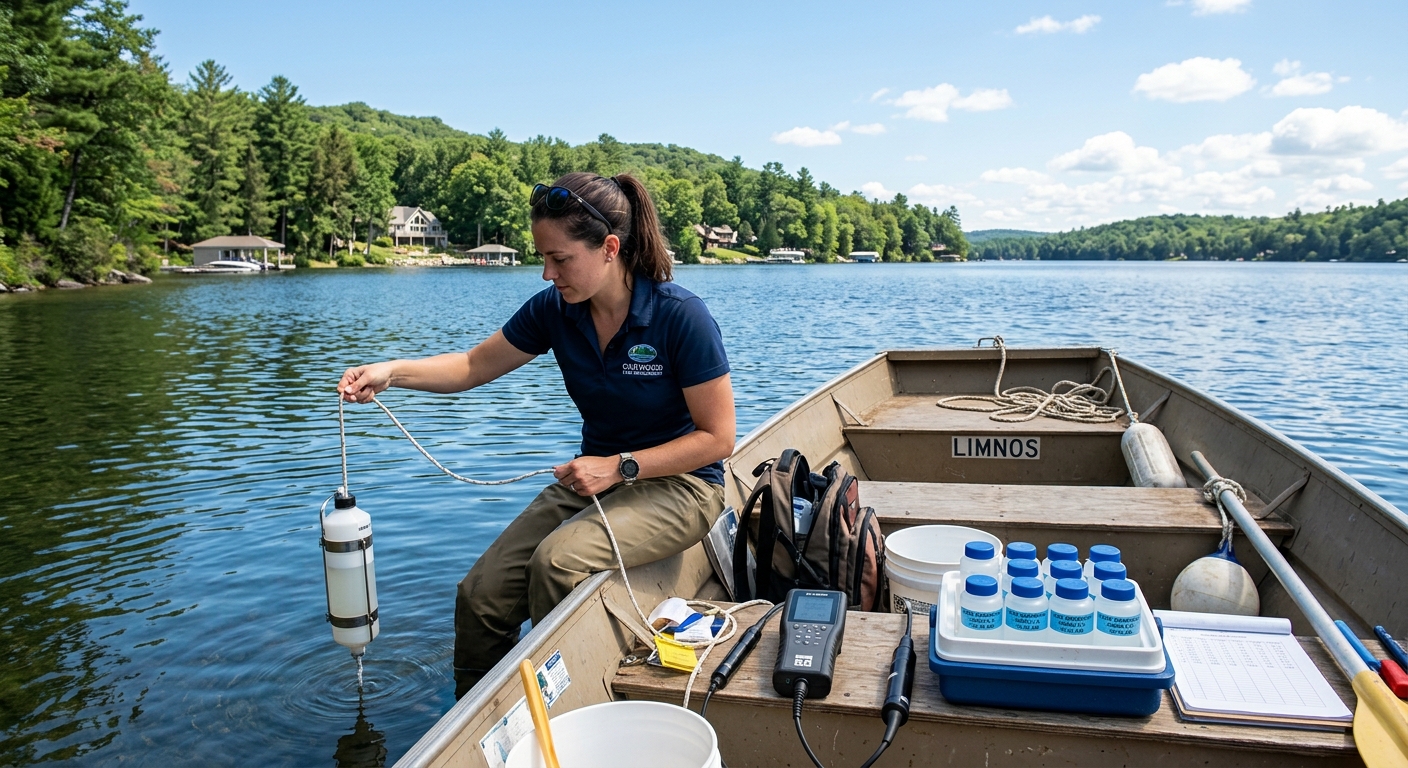
Second, look at how the CRM handles field data entry. If entering a site visit requires navigating multiple screens or re-entering data that is already in the system, field staff will stop using it. The best lake management CRMs make logging a visit fast enough to do from a phone while still standing at the water's edge.
- Site and client records should be linked and both searchable.
- Structured data fields matter more than free-text notes for long-term usefulness.
- Mobile-friendly field entry determines whether staff actually use the tool.